
Jenny Mod Crashing on Android — Causes & Fixes
Jenny Mod crashing on Android is rarely random. The cause is almost always one of four things: a broken add-on file, two add-ons fighting each other, Minecraft’s cache, or packs set up wrongly in that world. This page works through them in the order that finds the fault fastest.
Start with the honest picture, because it decides everything else. There is no official Jenny Mod for Android — no APK, no official add-on, nothing from the mod’s creator. What exists is fan-made add-ons with partial content, and their quality swings wildly from file to file. Some crash because your setup is wrong; some crash because the file itself is broken, and no phone setting repairs a broken file.
And the standing note, because it belongs on every page about this mod: Jenny Mod is reported to include adult content and is for adults (18+) only. Keep it off any device that children use, and test only on your own phone.
First Move — Restart, Then Test the Add-On Alone
Before you change anything, close Minecraft completely and reopen it. Swipe it out of your recent apps, wait a few seconds, and launch it again. A surprising number of “crashes” are one stuck session, and this test costs you thirty seconds.
If it still crashes, test the add-on alone. Deactivate every other add-on in the world, or make a fresh test world with only this one active. Add-ons clash quietly: two packs can each work alone and crash together, and you cannot find the fight while five of them are in the ring.
Work in the test world from here. Every check below is faster there, and a broken experiment cannot touch a world you care about. When the add-on survives alone in a clean world, add your other packs back one at a time — the crash will return with one of them and name its partner.
Check the File You Actually Imported
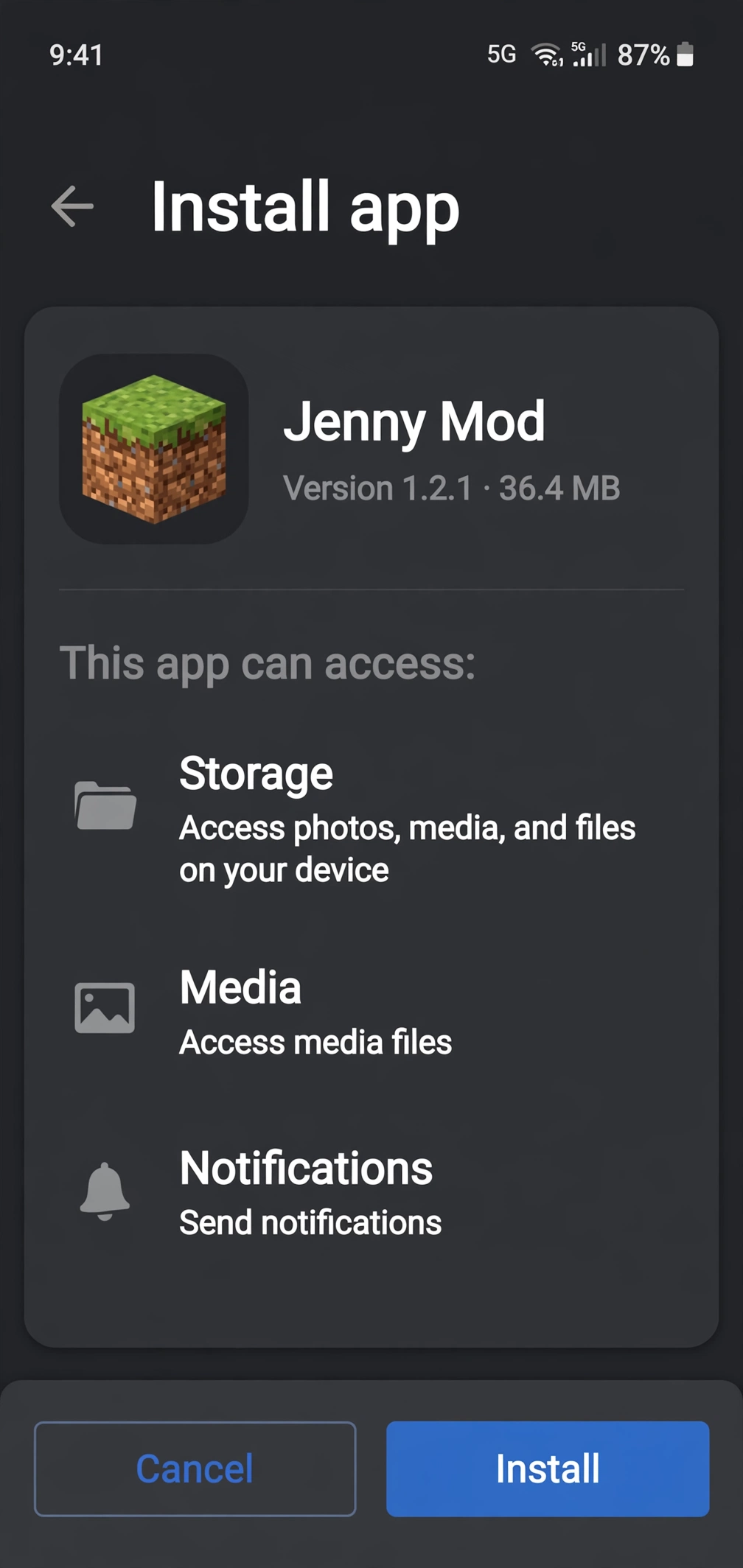
Look at what you downloaded before you blame the game: a real Bedrock add-on ends in .mcaddon or .mcpack. If your file ends in .zip, it was never really imported — it needs extracting first, and the packs inside are what Minecraft wants. If it ends in .apk, it is an Android app pretending to be the mod, and it is not an add-on at all. Our download page explains what these files actually are, and why none of them is official.
Partial downloads crash games too. A file that stopped halfway still looks like a file, and Minecraft will try to use it right up to the missing piece. If your download was interrupted, or the file seems oddly small next to what the page described, delete it and download the file once more, cleanly, on a stable connection.
One more file trap: duplicates. If you imported the same add-on twice under slightly different names, the game may be holding two copies of the same packs. Open Minecraft’s storage settings, look through the pack list, and remove the spare. One add-on, one copy — duplicates confuse worlds and updates alike.
Packs and Toggles — The Silent Crash Cause
An add-on is two halves: the resource pack is how she looks, and the behaviour pack is how she acts. Both must be active in the world you are playing — not just imported, and not just active in some other world. Pack settings are per world, so a working setup in your test world proves nothing about your main one. The Android half of our installation guide walks the activation in the right order.
Experimental features matter just as much. Most Jenny-style add-ons need them switched on for that world, and the toggle everyone forgets is the one that bites at load time. If the world crashes as it opens, or the moment you try to spawn her, come back here before you re-download anything.
The order inside the pack list can matter too when several add-ons overlap. If two packs change the same thing, one of them wins and the other can misbehave. With only this add-on active — the test from the first section — none of that applies, which is exactly why that test comes first.
Clear the Cache and Give the Game Room
If the file is right and the packs are right, look at the phone itself. Minecraft’s cache fills with old pack data, and a cache holding pieces of three deleted add-ons is a crash waiting for a reason. Open your phone’s app settings, find Minecraft, and clear its cache — cache only, not the app data, which holds your worlds.
Storage runs a close second. A nearly full phone fails imports halfway, saves worlds badly, and closes heavy apps without ceremony. Free up real space — at least 1 GB (a rule of thumb, not a measured minimum) of storage — before you test again. A crash that vanishes after a cleanup was never the add-on’s fault.
Older and cheaper phones also struggle with heavier add-ons in busy worlds. If the crashes happen in your big main world but never in a flat test world, the add-on may simply be asking more than the device gives in that setting. That is a limits problem, not a fault you can repair, and knowing it saves you an evening of pointless reinstalling.
Crashed Right After a Minecraft Update?
Add-ons are built against the game as it was when they were made. When Minecraft updates, the ground moves, and an add-on that ran yesterday can crash today without anything on your phone changing. This is one of the most common causes of a sudden crash in a setup that used to work.
Check what the add-on says it supports. Honest add-on pages state the game versions they were built for; if your game has moved past them, the add-on needs its maker to catch up, and no setting substitutes for that. Beware any site answering this with an exact “supported version range” it cannot actually know — those ranges are decoration, not information.
While you wait, the test world tells you the truth quickly. If the add-on crashes there too, on the new game version, the version gap is your cause. Play vanilla or with other add-ons in your main world until the add-on updates, and leave the file alone in the meantime.
The Honest Ending — Some Files Are Just Broken
Suppose you have done all of it. The file is a real .mcaddon, downloaded cleanly, running alone in a fresh world, both packs on, experiments on, cache cleared — and it still crashes. At that point the evidence is complete: the file is broken.
That happens with fan projects more often than download pages admit. Nobody tests these add-ons across phones and game versions, and some are abandoned half-built. A broken file is not your failure and not your phone’s. The fix is a different add-on, chosen slowly, not the same file from a louder website.
What will never fix it is a “crash repair” or “mod fixer” app. Real fixes are files, packs and settings — never a program a stranger wants you to install. If a page offers one, close the page. Our troubleshooting hub covers the other common failures in this family, from missing characters to installs that never appear.
| Crash moment | Likely cause | First fix | Guide link |
|---|---|---|---|
| At import | Incomplete, wrong-type, or unextracted file | Delete it, download it once more on a stable connection, and check the file ending before importing. | Installation Failed |
| At world load | A pack clash, packs left inactive, or experimental features switched off in that world | Test the add-on alone in a fresh world — if it runs there, rebuild your main world’s pack setup one add-on at a time. | White Screen |
| At spawn | Behaviour pack missing, inactive, or fighting another pack | If the crash started after a texture or model change, check the texture guide first; otherwise test in a flat world with only this add-on active. | Texture Errors |
| In a busy world | A heavier add-on asking more than an older or cheaper phone gives in a busy world | Test in a flat test world — if it runs there but not in your big main world, the device limit in that setting is the cause. | Best Devices |
| Game runs but companion sounds are missing (not a crash) | Not reported in guides | Not reported in guides | No Sound |
Test in a flat test world first. A busy main world stresses weaker phones more than a flat test world does: its size, builds, and loaded packs all add load. If the game only crashes in your main world, the world itself is part of the problem, not only the add-on. For device guidance, see the Best Devices guide.
Frequently Asked Questions
Why does Minecraft close as soon as I import the add-on?
Usually the file: it is incomplete, it is the wrong type, or it is a .zip that was never extracted. Delete it, download once more on a stable connection, and check the ending before you import. If a clean, real .mcaddon still kills the game at import, the file itself is faulty.
Why does the crash happen when I enter my world, not at the menu?
That timing points at the world, not the file. A pack clash, packs left inactive, or experimental features switched off in that world are the usual causes. Test the add-on alone in a fresh world — if it runs there, rebuild your main world’s pack setup one add-on at a time.
Why does it crash when I spawn her?
Spawning is the behaviour pack’s moment. If the game crashes right then, the behaviour pack is missing, inactive, or fighting another pack. Reactivate both packs in that world, confirm experimental features are on, and retest with the add-on alone.
I cleared the cache and it still crashes. What now?
Work the order on this page backwards: file type and a clean download, packs and toggles in a test world, then the add-on alone with no partners. If it still crashes after all three, accept the honest answer — that add-on file is broken, and a different one is the fix.
Can a crashing add-on damage my phone or my worlds?
A crash by itself is the game closing, not damage. Treat any download as unverified until you have checked it: back up your worlds first, because a bad or corrupted file is possible, not guaranteed. Files from careless sites can also carry more than a mod, so scan what you download and never install “fixer” apps offered as the cure.
Is there a Jenny Mod for iOS?
There is no legitimate iOS build. Crashes on iOS cannot be fixed by a Jenny Mod guide, because no real iOS file exists — any ‘iOS Jenny Mod’ file is unofficial or a lure. On a phone, only the unofficial Bedrock add-on exists.
Which game versions does Jenny Mod support?
The verified original is Minecraft Java 1.12.2 with Forge. Community ports cover 1.19.2 and 1.20.1, and Bedrock add-ons cover Bedrock phones. A file claiming any other version is unverified — check the file’s own version before installing.

