
Jenny Mod No Sound on Android — How to Fix It
Jenny Mod no sound on Android is the problem this page diagnoses: the game plays, the companion is there, but everything from her side is silent — work through a short ladder before you touch the file. Most no-sound cases are not the mod at all: they are the phone’s media volume, the game’s own sliders, or a resource pack that never got switched on in that world. The honest cases, where the add-on itself simply has little sound to give, are covered at the end.
One thing worth knowing before you start: sound in a Bedrock add-on travels with its resource pack, and resource packs are switched on per world. A setup that sounds fine in your test world can be silent in your main world for that reason alone. Our installation guide covers the full activation in Part B; this page is the diagnosis when the activation looks right and the world still stays quiet.
And the standing note for every page about this mod: Jenny Mod is reported to include adult content and is for adults (18+) only. Fix your copy on your own device, and keep it off any phone that children use. Every fix below assumes exactly that setup.
Start With the Phone, Not the Mod
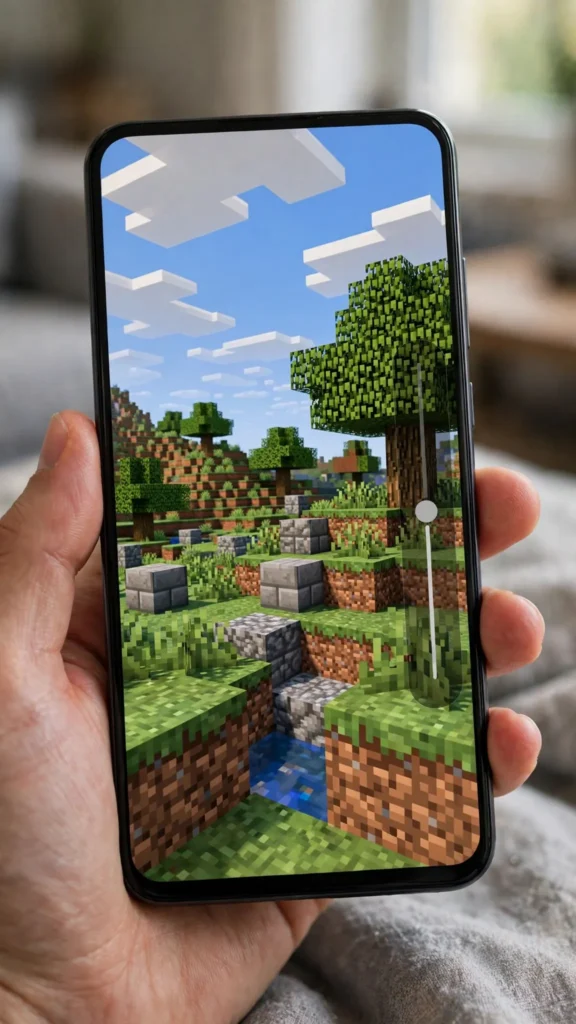
Android keeps several volumes apart, and games play through the media volume, not the ringtone volume. A phone can ring loudly all day and still play a game in silence if media volume is down. Raise the volume while the game is open, because that is the moment the buttons control the media stream.
Silent mode and Do Not Disturb catch people too, and so do Bluetooth headphones left connected in another room. If the game is quietly playing its sound to a forgotten pair of earbuds, the phone itself will look blameless. Disconnect Bluetooth for one test and listen again.
Headphone or speaker? Test it
- Disconnect Bluetooth and any wired headphones.
- Test with the phone speaker. If sound returns on the speaker, the problem is the audio output route, not the mod file.
Here is the test that sorts phone problems from mod problems: play vanilla Minecraft in the same session and make some noise. Mine a block, take damage, open a chest. If the normal game is silent too, the Jenny add-on is innocent — the fault is in the phone or the game’s settings, and the next section is yours.
Minecraft Has Its Own Volume Controls
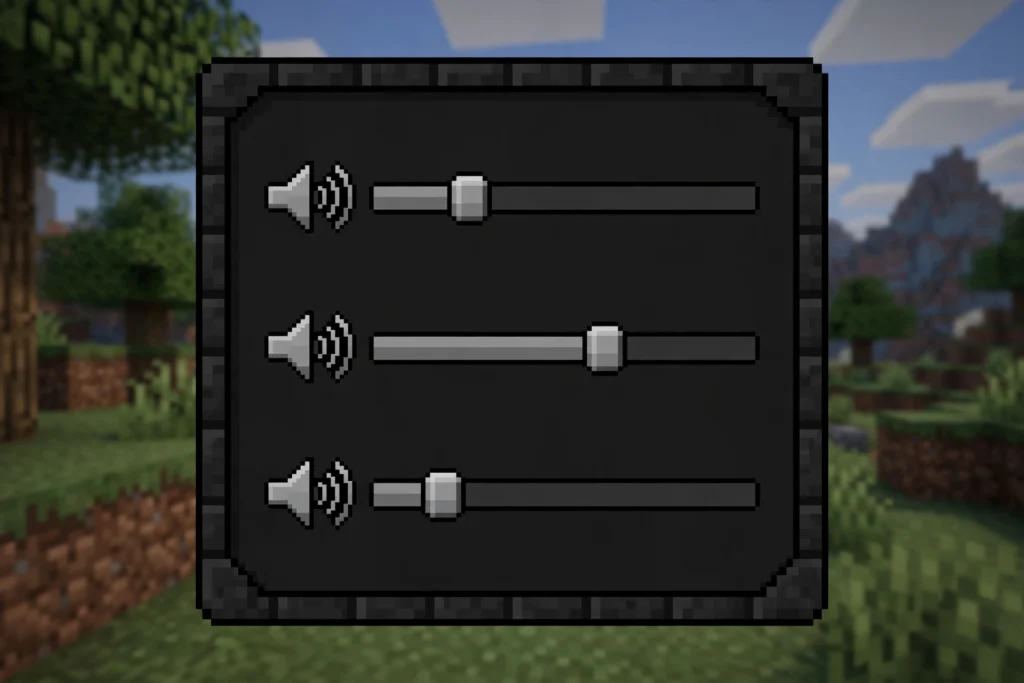
Minecraft does not simply obey the phone. Inside Settings → Music & Sounds (called Audio in some versions) there is a master volume and separate sliders for categories like music, weather, blocks, and hostile and friendly creatures. A slider dragged down weeks ago for another reason stays down until you move it.
Companion sounds, where an add-on provides them, come through the game’s normal sound categories — there is no separate “Jenny” slider to hunt for, and any guide showing you one is inventing it. Set the master volume up and the creature sliders with it. Then fully close and reopen the game, because a running session does not always pick up settings changes cleanly.
If the vanilla test in the last section was loud and these sliders are all up, your phone and your game settings are both cleared. What is left is the add-on itself, and that is where the real causes live. None of them need a download to diagnose.
No Resource Pack, No Custom Sound
An add-on arrives in two halves. The behaviour pack is how the companion acts, and the resource pack is how she looks — and how she sounds. Any custom sound an add-on carries sits in the resource pack, next to the textures.
If the behaviour pack is active in your world but the resource pack is not, you get exactly the bug this page is about: a companion who walks, follows and reacts, in complete silence. Open that world’s settings and check Resource Packs → My Packs for the add-on, not in your test world, in the world that is actually quiet. Both are set per world, so yesterday’s correct setup says nothing about today’s world.
While you are in that screen, check for duplicates as well. Two copies of the same resource pack stacked in one world — an old import beside a new one — can leave the game loading the broken or empty copy. Remove the older duplicate, keep one clean pair of packs, and restart the game before you judge the result.
The Honest Part — Many Add-Ons Barely Have Sound
Sometimes everything is switched on correctly and there is still nothing much to hear, because the add-on never brought much sound with it. These are small fan projects, and sound is the part their makers most often skip or borrow. Many add-ons give a companion no custom sounds at all and let her exist inside Minecraft’s ordinary noises.
Set your expectations by what the original actually does. As players report it, in the Java original, companions respond in written dialogue — text on the screen, not voice acting, though this varies by file. As players report it, some add-on files barely have companion voices at all — but that is a report, not a settled fact: it varies by file, and no complete voice record exists to settle it. A page promising “full voice sound” for a phone add-on is describing a file that does not exist.
So separate two different complaints before you repair anything. “The game has no sound at all” is a settings or pack problem, and the ladder on this page fixes it. “My companion makes no sounds of her own” may simply be the add-on you downloaded — and no setting on your phone can add sounds its maker never put in.
| Check | Whole game silent | Companion sounds only silent |
|---|---|---|
| Phone volume | Phone volume or the mute switch is the cause — check the phone first. | Phone volume is not the cause if other game sounds play — check the sliders below. |
| Game sliders | A game slider (music, sound, or master) is down or muted. | The companion-sound slider (or equivalent) is down — see the FAQ on which slider controls companion sounds. |
| Resource pack | The resource pack is missing or disabled. | The pack that carries companion sounds is missing or disabled. |
| File itself | The file has no usable sound data, or the download is incomplete. | The add-on barely has companion sounds by design — many add-ons barely have sound (see the article’s honest section). |
A Half-Downloaded File Loses Pieces — Sound Included
An add-on file that was interrupted mid-download can still import and still mostly work, which is what makes it confusing. The missing pieces tend to be assets — textures and sounds — while the behaviour limps on. If your companion is visible and active but silent, and every check above passed, suspect the file itself.
The repair is a fresh copy, not a repair tool. Delete the add-on’s packs from Minecraft’s storage, download the file once more on a stable connection, and import it cleanly into a fresh test world first. If the fresh copy speaks in the test world, apply the same packs to your main world and check its per-world settings one last time.
If the fresh copy is just as silent in the test world, stop reinstalling. You have proved the silence is in the file, not in your phone. That proof is worth having, because it ends the search honestly — the remaining option is a different, better-kept add-on, and our troubleshooting hub shows how this fault sits beside the other phone problems and where each one is fixed.
There Is No “Sound Patch” to Download
Searches for this problem attract a particular trap: pages offering a “Jenny Mod sound fix,” a “sound patch .mcpack,” or a small app that promises to restore missing audio. Do not download any of them. A file whose job is to patch another fan add-on’s sound is not a thing this mod’s ecosystem produces, and the offer exists to put something else on your phone.
The same goes for “volume booster” style fixers attached to mod pages. Your phone’s media volume and the game’s sliders are the only volume controls involved, and both are already in your hands. Real fixes for this mod are settings, packs and clean files — nothing else.
If a download page bundles the add-on with an extra “required” sound file, treat the bundle as suspect and walk away. The genuine add-on, such as it is, arrives as one .mcaddon or .mcpack. Anything larger than that story is someone else’s agenda.
Frequently Asked Questions
Why does Jenny Mod have no sound on my Android phone?
Work the ladder: media volume and silent mode first, then Minecraft’s own Music & Sounds sliders, then the world’s resource pack. The most common real cause is the resource pack not being active in that world — add-on sound lives in the resource pack, and packs are switched on per world, so a working test world proves nothing about your main world. Always check the pack list of the world that is actually quiet.
Do Jenny Mod companions have voices I am missing?
As players report it, even in the Java original, companions answer in written dialogue, not recorded voices, though this varies by file. On Android, many add-ons ship little or no custom sound at all, so a silent companion with a loud game usually means the add-on itself has nothing to play — not that something is switched off.
The game sounds work, but my companion is completely silent. Why?
That split points at the add-on’s half of the setup. Check that the resource pack — not just the behaviour pack — is active in this world, and remove any older duplicate of the same pack. If both are right and a fresh copy is still silent, the add-on was made without companion sounds, and no setting can add them.
Will deleting and reinstalling the add-on fix the sound?
It fixes one cause: a partial download that imported with assets missing. Do it cleanly — remove the packs from Minecraft’s storage, download once on a stable connection, and test in a fresh world. If the fresh copy is silent there too, reinstalling again will not change the answer; the file itself is quiet.
Is a “Jenny Mod sound patch” download safe to try?
Treat it as unsafe by default. There is no official source for this mod and no patch ecosystem around it, so a separate “sound fix” file is an unverified extra from an unverified page. Everything that can legitimately be fixed about sound is already in your phone’s settings, the game’s sliders, and the pack screen.
Where does this fault fit with other Jenny Mod problems?
It belongs to the same family as Android crashes, the white screen and texture errors — nearly all of them start with checking what the file actually is and whether both packs are active in that world. Our troubleshooting hub names each symptom and routes you to the right fix. Start there whenever a new symptom shows up.
Music plays but companion sounds do not — which slider controls that?
Check the game’s sound sliders one by one, including any companion-sound or entity-sound slider your version shows. If music plays but companion sounds do not, the problem is a slider, a missing resource pack, or the file itself — not the phone volume. Work through the diagnostic matrix on this page to isolate it.
For white-screen problems, see the white screen guide.
For texture problems, see the texture errors guide.

