
How to Fix Texture Errors in Jenny Mod
How to fix texture errors in Jenny Mod, honestly — you rarely need a new file; you need the right packs switched on, in the right order, in the world you are actually playing. Most missing textures, purple-and-black checkerboards and invisible companions trace back to one small set of causes: only half the add-on is active, another pack is sitting on top of it, or the file and the game version do not match. This page works through them in the order that finds the cause fastest.
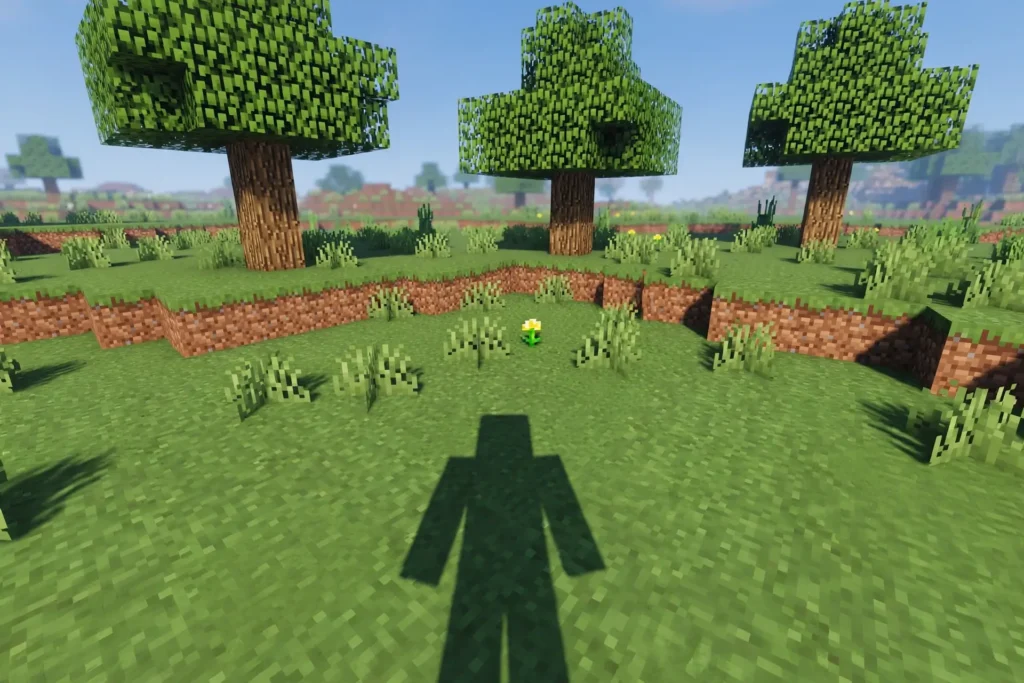
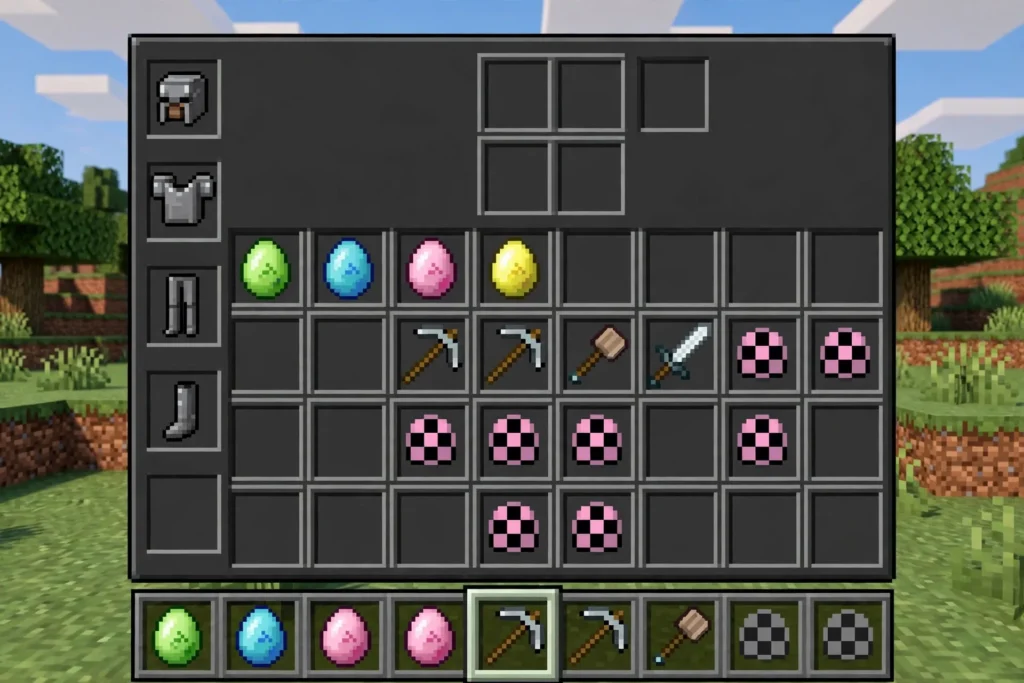
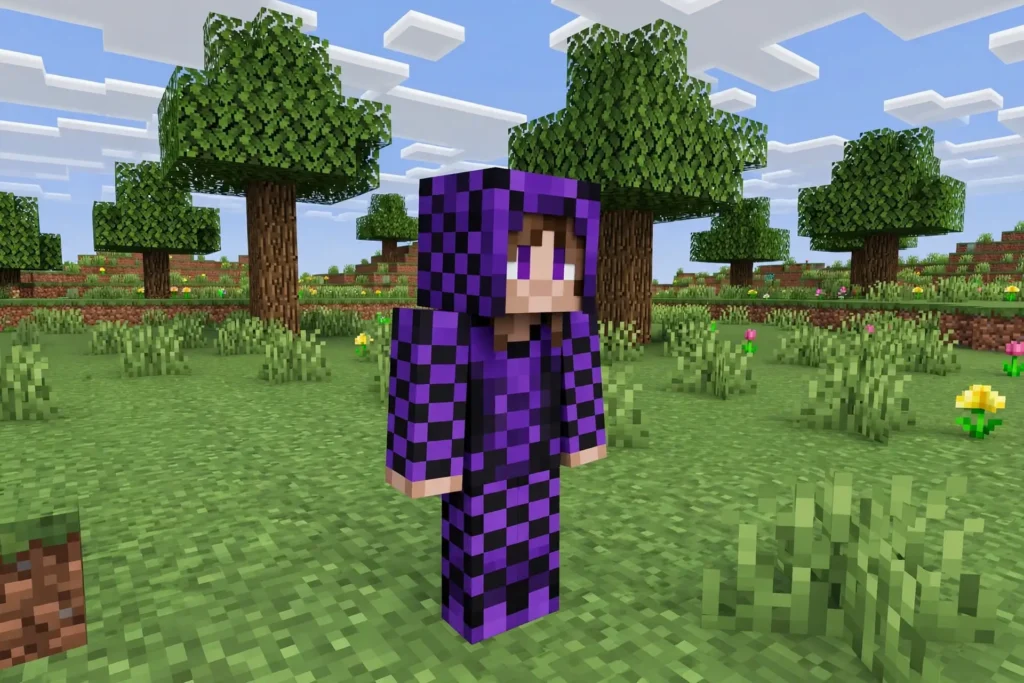
What counts as a texture error, so we are talking about the same thing: a companion covered in purple-and-black squares, a character who is invisible except for a shadow, or items and eggs that show as blank or broken icons. Those are all the same message from the game — “I was told to draw something and the picture for it is missing.” Your job is to find out why the picture is missing.
| Symptom | Most likely cause | First fix step |
|---|---|---|
| Purple-black checkerboard | Missing or broken texture | Test the mod alone, then re-add packs one at a time. |
| Invisible companion except shadow | Model/texture failed to load | Test with shaders off and without OptiFine (see the OptiFine section below). |
| Blank or broken item-and-egg icons | Item texture failed to load | Re-import a clean copy (per the article’s ladder). |
And the standing note that belongs on every page about this mod: Jenny Mod is reported to include adult content and is for adults (18+) only. Test your fixes on your own device, and keep the mod off any device or world that children use. Every fix that follows assumes exactly that setup.
On Bedrock, Textures Live in the Resource Pack
A Bedrock add-on arrives as two halves, and this split explains nearly every texture fault on a phone. The behaviour pack is how the companion acts. The resource pack is how she looks — every texture she wears sits inside it.
Activate the behaviour pack without its resource partner and the game spawns a companion it cannot draw. Depending on the file, you get the checkerboard pattern, an invisible character, or an error at load time. Players describe this as a broken mod; it is actually half a mod, switched on per world in that world’s settings.
So the first fix is always the same: open the world that shows the errors, go to Resource Packs → My Packs, and confirm the add-on’s resource pack is active there — not in your test world, in this one. Our installation guide shows the full activation in Part B if you want the pictures in your head refreshed. Then check the Behaviour Packs list too, because a missing behaviour half gives you a pretty texture with nobody home.
Pack Order Can Bury the Right Textures
Bedrock loads resource packs as a stack, and the pack nearer the top wins when two packs offer a picture for the same thing. If your Jenny add-on’s resource pack is sitting underneath another pack that also touches character textures, the game draws from the top one and the companion comes out wrong — mismatched, half-vanilla, or wrapped in placeholders. Nothing is broken; the order is.
The clean test is to run the add-on alone. Deactivate every other resource pack in a fresh test world, leave only the add-on’s pair active, and spawn the companion. If she renders correctly alone, the file is innocent and a stack clash in your main world is the cause.
Then restore your packs one at a time in the main world, with the Jenny resource pack moved above packs that change similar things. One-at-a-time matters: add three packs back at once and the clash returns without telling you which pack caused it. This is slow for ten minutes and saves you the evening of random reinstalling that our troubleshooting hub warns about in its other fix guides too.
On Java, Texture Errors Mean Version Gaps or a Damaged .jar
Java draws the missing-texture checkerboard too — purple and black squares where a model or skin should be. On PC the cause is usually one of two things: the mod file and the game do not agree on version, or the .jar itself is damaged. A port built for 1.20.1 loads different assets than the 1.12.2 original expects, and crossing them produces exactly this kind of visual mess.
Check the trio first: Minecraft version, Forge version and mod version must all match — 1.12.2 across the board for the original build. Then look at the file: it must sit in the mods folder sealed, exactly as downloaded. A .jar that a browser renamed, or one that somebody “helpfully” unzipped, is missing its own insides and will draw placeholders until it is replaced with a clean copy.
Other mods join the suspect list if Jenny renders fine alone and breaks in company. A different mod or a high-resolution resource pack can override the same textures. Pull the others out, confirm Jenny alone is clean, and add them back one by one — the same one-at-a-time rule as on Bedrock, for the same reason.
If you use OptiFine or shaders
If you run OptiFine or shaders, test with shaders off first, then test without OptiFine, and re-add one at a time. Shaders and OptiFine change how textures load, so either one can cause a texture error the mod alone does not cause. For the OptiFine pairing itself, see the OptiFine guide.
A Partial Download Loses Its Pictures First
Files that arrive incomplete rarely fail completely; they fail selectively, and textures are usually the first casualty. An .mcaddon or .jar that was cut off mid-download can import, load and spawn — while quietly lacking half its artwork. If your errors appeared with a brand-new file on a shaky connection, suspect the download before the settings.
The fix is one clean copy: delete the packs or the .jar, download again on a stable connection, and test in a fresh world or profile before you touch your main save. Compare behaviour, not file size promises on a download page — what matters is whether the companion renders in the clean test. If the fresh copy draws correctly, carry the same file back to your main world and re-check that world’s pack activation, because per-world settings do not follow the file around.
On Android, free up storage space and clear Minecraft’s storage or cache where your device allows it, then re-import a clean copy of the add-on. A half-downloaded or stale cached copy is a common cause of texture errors that survive a reinstall.
When the Honest Answer Is “That Build’s Textures Are Unfinished”
Sometimes every check passes and the textures are still wrong, because the file itself was never finished. The community ports for 1.19.2 and 1.20.1 carry less than the 1.12.2 original, and some of what they carry is incomplete — a character whose texture was never properly converted will show placeholders in a perfect setup. Bedrock add-ons made by one person in a hurry have the same problem at smaller scale.
No setting on your phone or PC repairs artwork that does not exist in the file. There is no “texture pack fix” download that completes a stranger’s unfinished port, and pages offering one are offering you a different problem instead. Treat such downloads the way our download page treats all unverified extras: as a risk, not a remedy.
What you can honestly do is choose a better-kept build: the original 1.12.2 on Java for the complete roster, or a port whose own page admits what is missing. A build that documents its gaps is worth more than a build that promises everything. And if only one character renders badly while the rest are clean, that gap is in the file too — check which characters each build actually includes on our characters page before you troubleshoot a portrait that was never painted.
The Fix Order, All in One Place
Work in this order and stop at the step that fixes it. First, confirm both halves are active in the world showing the error — resource pack for the pictures, behaviour pack for the companion herself. Second, test the add-on alone in a fresh world, which separates the file from your pack stack in one move.
Third, if the stack is the problem, restore packs one at a time with the Jenny resource pack above anything that touches the same characters. Fourth, if the file is the suspect, replace it with one clean download and retest before blaming anything else. Fifth, on Java, re-check the version trio — game, Forge and mod all at the same version, and the .jar sealed in the mods folder.
If all five steps leave the same character broken in the same place, the verdict is the honest section above: the build itself is unfinished there. At that point further reinstalling is superstition. Pick a different build, and keep your worlds — texture errors live in files and settings, and they almost never touch your saves.
Frequently Asked Questions
Why is my Jenny Mod companion covered in purple and black squares?
That checkerboard is the game’s missing-texture picture — it means the game was told to draw something whose artwork it could not find. On Bedrock the usual cause is the resource pack not being active in that world; on Java it is a version mismatch or a damaged .jar. Start with the pack check, because it takes one minute and fixes most cases.
I activated the add-on, so why do textures still fail in my main world?
Because activation is per world. The resource and behaviour packs you switched on in a test world are not switched on in your main world until you do it there too. Open the main world’s settings and check both pack lists — and while you are there, look at the stack order, since another pack above the Jenny resource pack can override its textures.
Can another resource pack cause Jenny Mod texture errors?
Yes. Bedrock resolves clashes by stack order, with the pack nearer the top winning, and Java resource packs and mods can override the same assets. The clean test is Jenny alone in a fresh world; if she renders there, add your other packs back one at a time until the one that breaks her identifies itself.
Will downloading a “texture fix pack” solve it?
There is no legitimate fix pack for this mod — no official source exists, and nobody can complete an unfinished fan port with a second unverified download. If your file’s textures are genuinely missing, the remedies are a clean copy of the same build or a better-kept build, both of which start at a page you already trust. That answer does not change however the offer is dressed up.
One character looks fine and another is broken. Is my setup wrong?
Probably not. Rosters and artwork differ between the original, the ports and the add-ons, and individual characters are exactly where unfinished work shows. If the rest of the setup passes the alone-test, the broken portrait is a gap in that build — the characters page shows which characters each build actually includes.
Does a texture error mean my world is corrupted?
No. Texture errors live in packs, files and settings; your world and its builds are almost never involved. Back up before big experiments out of general good habit, but do not delete a world over a checkerboard companion — fix the file or the pack list first.
Texture error only after a Minecraft update — why?
An update can break a texture or model that worked before, because the game, the loader, and the file must all match. Re-check the version match first, then test the mod alone without shaders or OptiFine, then re-add packs one at a time. The last pack you re-add before the error returns is the suspect.

